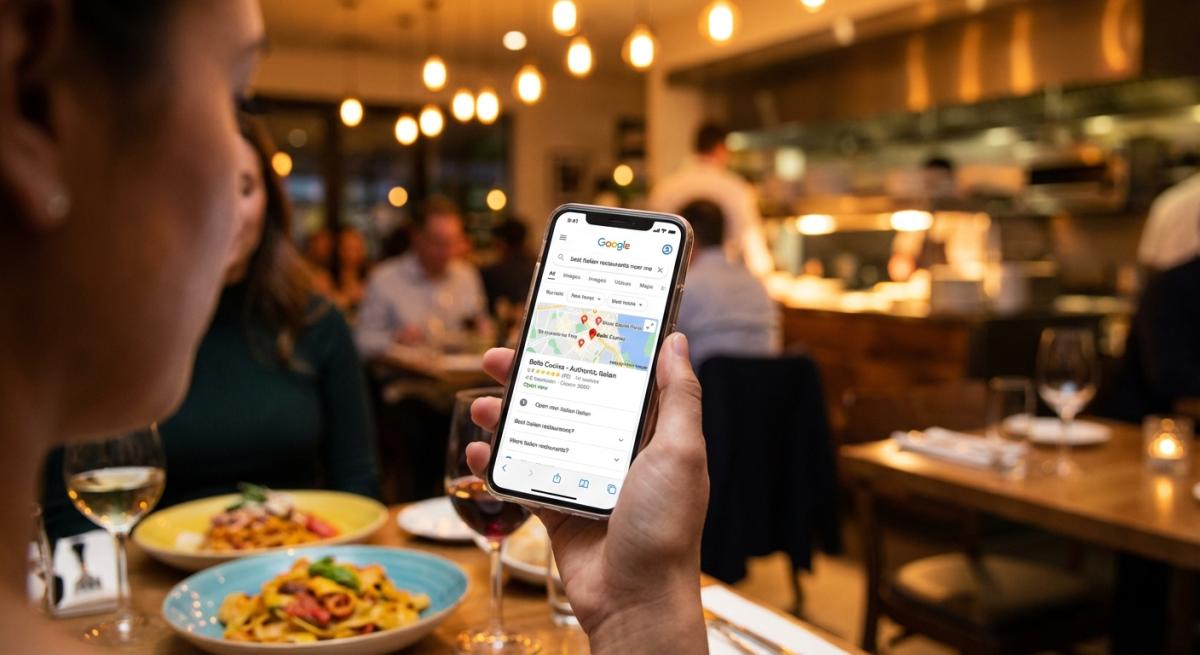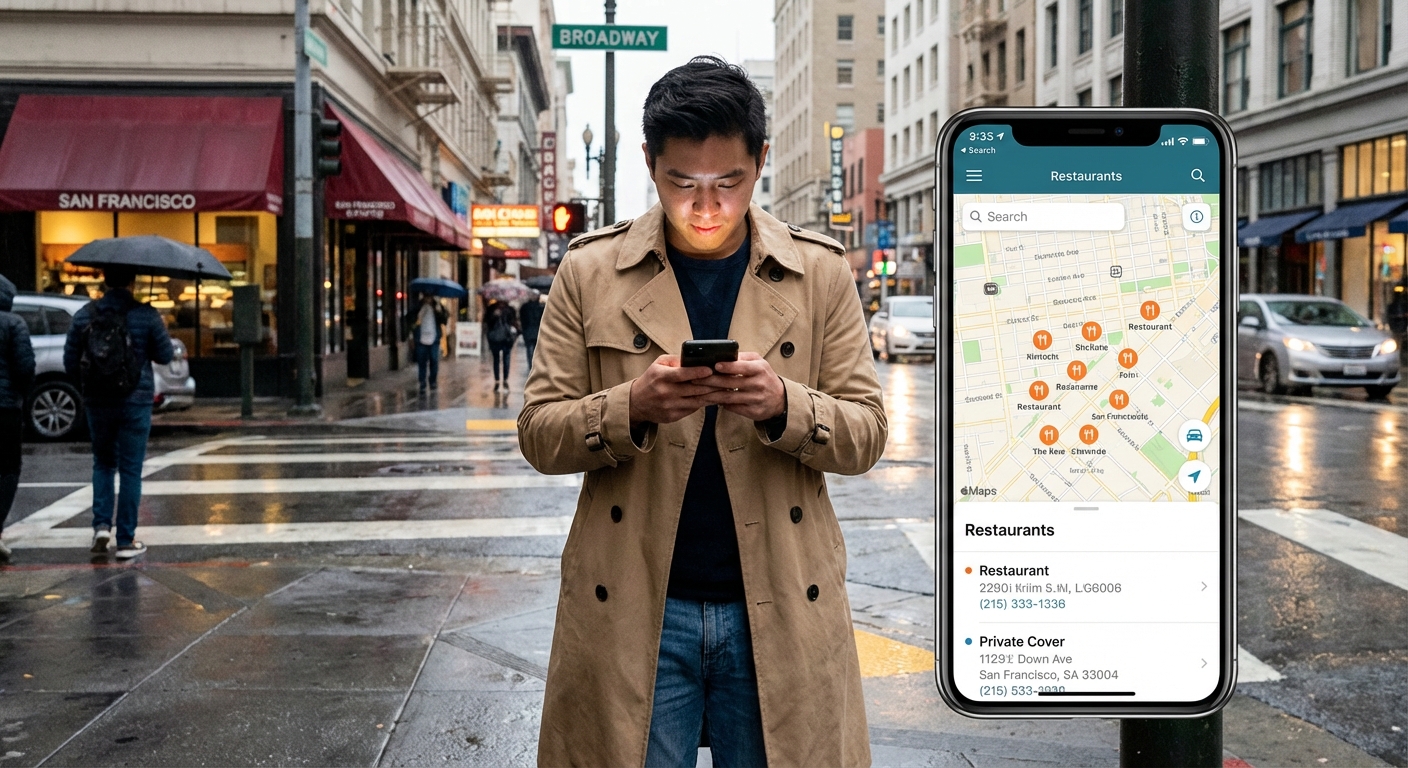
Someone's standing on the sidewalk right now, phone in hand, trying to decide where to eat. They found you on Google. Now they want three things: your menu, your hours, and directions.
If your website can't deliver that in ten seconds, they're going somewhere else.
This is a guide to what a small restaurant website actually needs. No enterprise features. No twelve-tool tech stack. Just the stuff that gets people through your door.
What customers actually want
Before features, understand the people using them.
Someone found you on Google. They're comparing you to three other places. They need:
Your menu. Not a PDF. An actual menu they can read on their phone. 85% of diners look at the menu before deciding.
Your hours. Accurate. Including holiday closures. Nothing kills trust like driving somewhere and finding a locked door.
Your location. With a map. With a phone number they can tap to call.
Proof you're good. Reviews, photos, or just a site that doesn't look abandoned.
That's the list. Menu, hours, location, proof. Everything else is secondary.
The five things you actually need
1. A menu that's not a PDF
PDF menus made sense in 2010. Now they're a problem.
On mobile: The file downloads. Opens in a separate app. Text is tiny. Customer pinches and zooms. Gives up. Goes somewhere else.
On Google: Search engines can't read PDFs well. If someone searches "best burger in [your city]" and your burger only exists in a PDF, you won't show up.
Your menu needs to be actual text on actual web pages. Organized by category. Readable on any phone. Easy to update when you 86 something.
This is the most important thing your website does.
2. Hours and location on every page
Not buried in "Contact." Not hidden in the footer. Visible without scrolling on every page.
Why every page? People land on different pages from different links. If they have to hunt for your hours, some won't bother.
Include:
- Hours for each day
- Holiday hours or a link to them
- Full address with a Google Maps link
- Phone number that's clickable on mobile
Basic. But I see restaurant websites every week that make this hard to find.
3. Mobile-friendly design
70% of your visitors are on phones. If your site doesn't work on mobile, you're failing the majority.
Mobile-friendly means:
- Text readable without zooming
- Buttons big enough to tap
- Pages that load in under three seconds
- No horizontal scrolling
Test your site on your phone right now. Try to find your hours. Try to read your menu. If it's frustrating, your customers feel the same thing.
4. Click-to-call and click-to-map
On mobile, your phone number should start a call when tapped. Your address should open maps with directions ready.
Small thing. Big difference. If your site doesn't do this, it was built by someone who doesn't understand how people use restaurant websites.
5. Basic SEO
For a small restaurant, the basics are simple:
- Page title with your name and what you serve ("Maria's Kitchen | Mexican Food in Austin")
- Description that shows up in Google results
- Menu items as searchable text, not images or PDFs
- Address and phone number Google can read
When someone searches "Mexican food near me," Google matches that to text on your site. If your site only says "Maria's Kitchen" with no mention of Mexican food or your city, you won't show up.
What you don't need
Every vendor wants to sell you more features. Most of it is noise.
Reservation system. If you're walk-in only, you don't need one. Say "No reservations, first come first served" and move on.
Loyalty program. Works for coffee shops with daily visits. For a sit-down restaurant where customers come monthly, a points system adds friction without benefit. Want to reward regulars? Remember their names. Free dessert sometimes. That's loyalty.
Blog. Content marketing takes consistent effort over years. If you're stretched thin running the restaurant, a blog that gets updated twice and abandoned does nothing.
App. Expensive to build. Expensive to maintain. Most customers won't download it. A mobile-friendly website does the same thing for a fraction of the cost.
AI features. You know your menu better than any algorithm. Your customers would rather call than talk to a chatbot.
The "do I need this?" test
When someone tries to sell you a feature:
Will this help customers find me, see my menu, or know when I'm open? If not, probably not essential.
Will I actually use this every week? If you'll set it up and forget it, you're paying for something that's not working.
What happens if I don't have this? If the answer is "nothing," you don't need it.
Quick audit of your current site
Pull up your website on your phone:
- Can you find your hours in under five seconds?
- Can you read the menu without zooming?
- Can you tap the phone number to call?
- Can you tap the address for directions?
- Does it load in under three seconds?
- Is the menu accurate right now?
If you failed more than one, your website is hurting you instead of helping.
What good looks like
A good small restaurant website is boring in the best way. Loads fast. Menu is right there. Hours are accurate. Phone number works. Nothing to figure out.
Good tech feels invisible. You update your menu in seconds. You change holiday hours once and they show up everywhere. You don't get calls asking "are you open?" because the answer is already there.
The short version
Small restaurants need:
- A menu customers can read on their phones
- Hours that are accurate and easy to find
- Location with click-to-call and click-to-map
- Basic SEO so Google knows you exist
- The ability to update everything yourself in seconds
Everything else is optional.
We built Welcome for restaurants like yours. Real menu pages, instant updates, everything you need on day one. $99/month, no contracts. See how it works.